Power BI
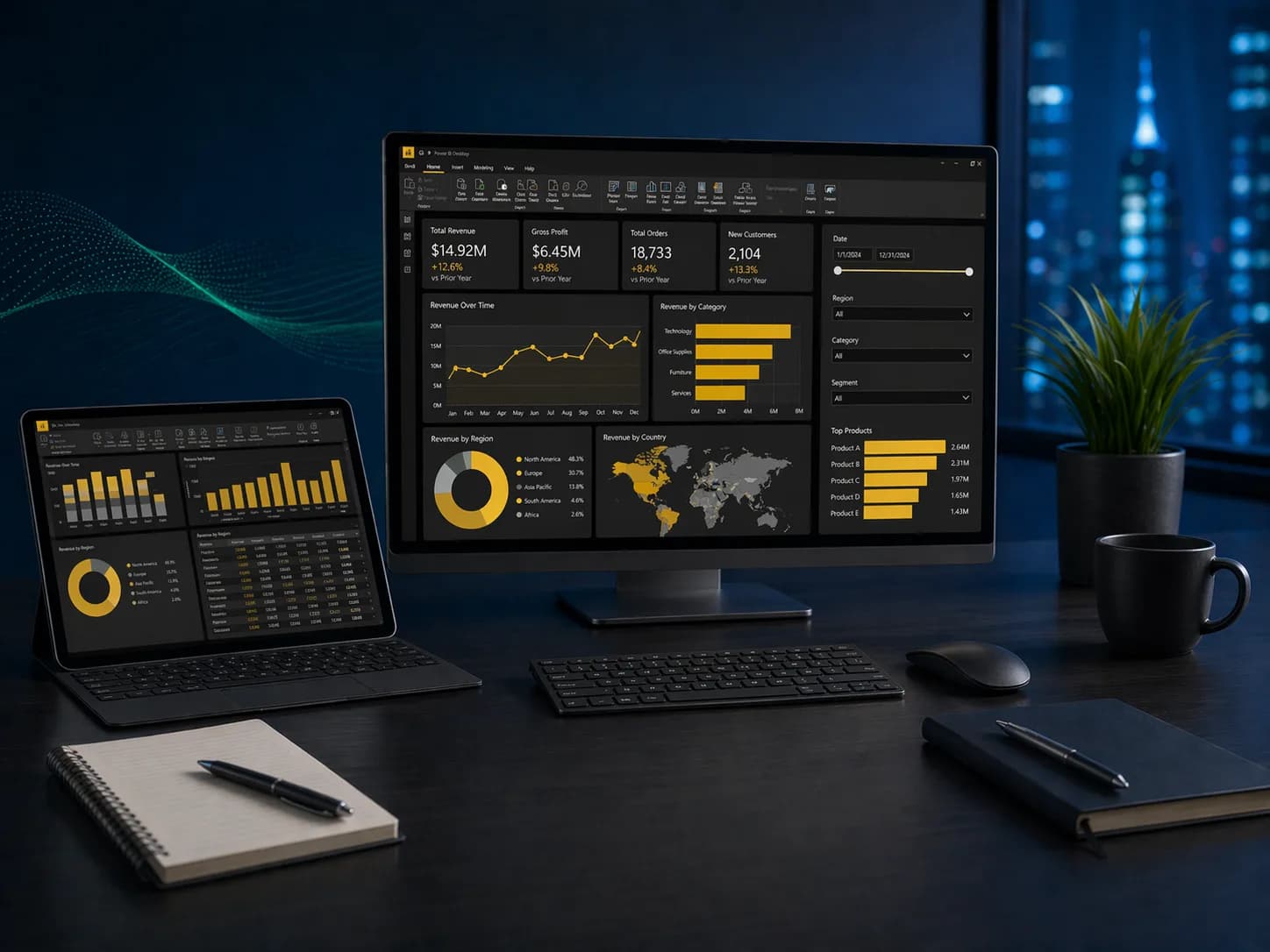
Transform raw data into interactive dashboards and reports with Microsoft Power BI. Learn to connect to data sources, model relationships, write DAX measures, and publish insights that drive business decisions.
03
Levels
10
Modules
1:1
Live
What you will learn.
A snapshot of every topic covered across all three levels. Detailed daily curriculum is in the next section.
Three levels.
One path.
Start where you are. Each level builds on the last — from your first formula to enterprise-grade automation.
Build a solid foundation with core concepts and essential skills.
Modules
02 / TOTALDay 1: Connecting Data and Building Reports
- Installing Power BI Desktop and navigating the interface
- Connecting to Excel, CSV, and database sources
- Loading and previewing data in the data model
- Building your first report: tables, cards, and matrices
- Creating bar charts, line charts, and pie charts
- Formatting visuals: colors, labels, titles, and borders
- Saving and sharing .pbix files
Day 2: Relationships, Filters, and Power Query Basics
- Understanding table relationships and star schema concepts
- Creating and editing relationships between tables
- Using slicers and filters for interactive exploration
- Introduction to Power Query: cleaning and shaping data
- Removing columns, filtering rows, and changing data types
- Basic DAX: SUM, AVERAGE, COUNT, and DISTINCTCOUNT measures
- Publishing reports to the Power BI Service
After this level
- 01Connect to multiple data sources and load data into Power BI
- 02Build interactive reports with charts, tables, and slicers
- 03Understand table relationships and star schema basics
- 04Clean data with Power Query and write basic DAX measures
Built for doers.
Prerequisites
Basic data literacy. Familiarity with Excel is helpful.
- 01Business analysts and data analysts
- 02Finance and operations teams
- 03Managers who need self-service reporting
- 04Anyone building dashboards for stakeholders
01Do I need Power BI Pro to take this course?
Power BI Desktop is free and used for all hands-on exercises. A Pro license is helpful for the Advanced level when we cover the Power BI Service, but not required.
02Is this course suitable for non-technical users?
Absolutely. The Fundamental level assumes no Power BI experience. If you can use Excel, you can learn Power BI.
03How long does it take to learn Power BI?
Each level is 2 days of training. Most professionals become productive with basic reports after the Fundamental level. The full program across all three levels is 6 days.
04Will I receive a certificate after completing the Power BI course?
Yes. Upon completing each level, you receive a GrowWM certificate of completion that you can share with employers or add to your LinkedIn profile.
05Is Power BI training available online?
Yes. All sessions are delivered live via virtual classroom, so you can join from anywhere in Canada or internationally. On-site training is also available for teams in Ottawa and Ontario.
06What is the difference between Power BI and Excel?
Excel is ideal for smaller datasets and calculations. Power BI is designed for connecting multiple data sources, building interactive dashboards, and sharing reports across teams. Many professionals use both together.
07Can this Power BI course be customized for my team?
Yes. We offer tailored curricula for corporate and government teams, focusing on the specific Power BI skills and data sources your organization uses. Contact us for group rates.
08Do I need to know DAX before starting?
No. DAX is introduced gradually starting in the Fundamental level with basic measures, and we cover advanced DAX patterns in the Intermediate and Advanced levels.