AI: ChatGPT, Claude & Codex
Put today's AI tools to work. Learn how ChatGPT and Claude think, write prompts that get reliable results, analyze files and data, and use AI coding agents like Claude Code and Codex to read, fix, and build real projects, all with responsible use built in.
03
Levels
10
Modules
1:1
Live
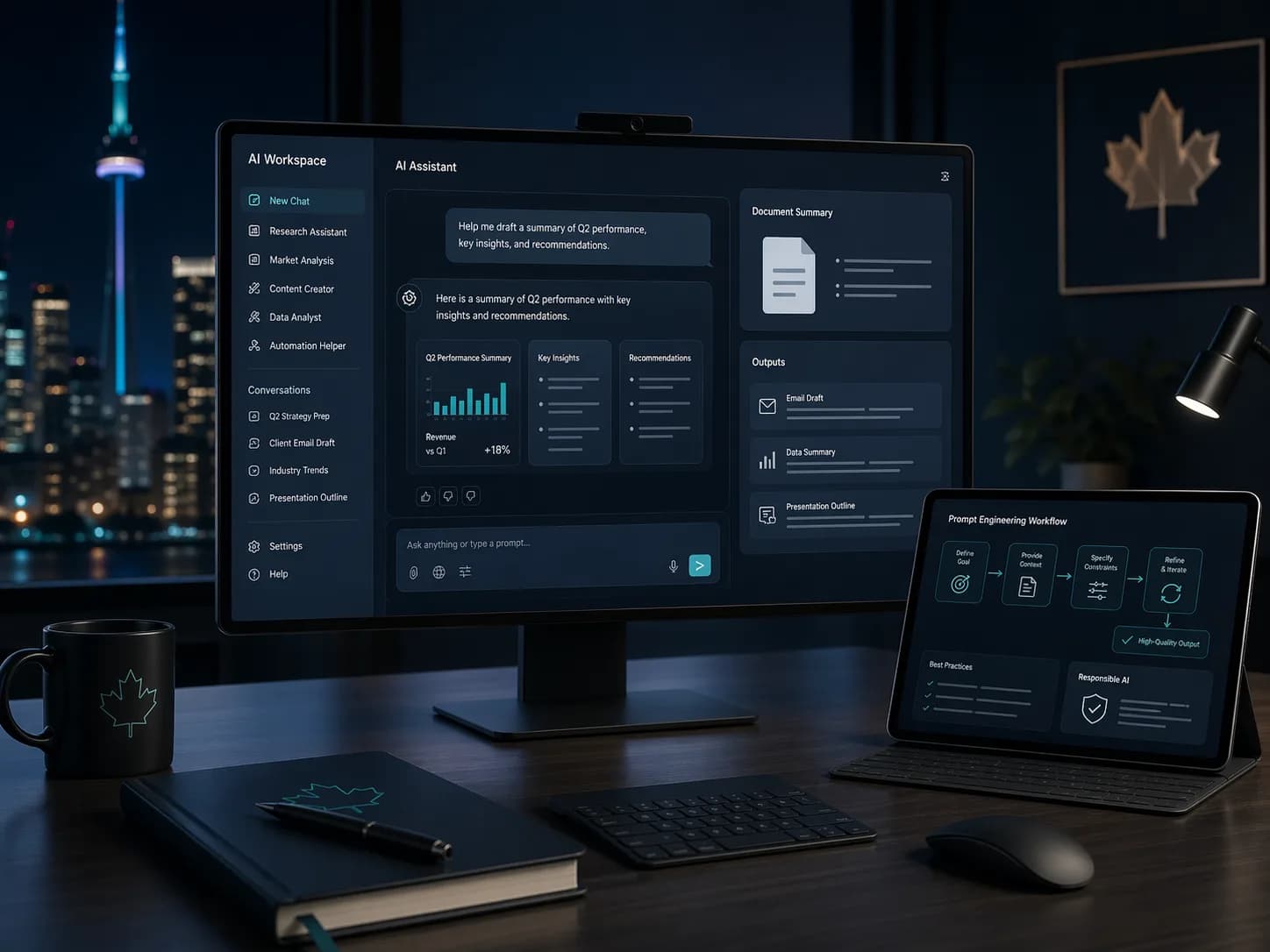
What you will learn.
A snapshot of every topic covered across all three levels. Detailed daily curriculum is in the next section.
Three levels.
One path.
Start where you are. Each level builds on the last — from your first formula to enterprise-grade automation.
Build a solid foundation with core concepts and essential skills.
Modules
02 / TOTALDay 1: How Modern AI Works
- What AI, machine learning, and large language models are
- How chat assistants work: tokens, context windows, and memory
- ChatGPT, Claude, Gemini, and Copilot: what each does best
- Setting up accounts, plans, and privacy settings
- Writing clear prompts: context, task, and expected format
- Everyday uses: writing, summarizing, brainstorming, and Q&A
- Limitations: hallucinations, bias, and out-of-date answers
Day 2: Practical Prompt Engineering
- The anatomy of a great prompt: role, task, format, constraints
- Giving examples for consistent output
- Asking the AI to plan and reason through complex tasks
- Iterative refinement: improving outputs through follow-up prompts
- Generating professional emails, reports, and presentations
- Using AI for spreadsheets, formulas, and quick analysis
- Building a reusable prompt library
After this level
- 01Understand how AI and large language models work at a practical level
- 02Choose the right assistant for the task: ChatGPT, Claude, Gemini, or Copilot
- 03Write effective prompts using proven frameworks and techniques
- 04Recognize AI limitations and use tools responsibly
Built for doers.
Prerequisites
Basic computer literacy. No AI experience required. Some Python helps for the coding-agent modules.
- 01Professionals in any role looking to leverage AI
- 02Analysts, developers, and technical staff who want AI to speed up their work
- 03Managers exploring AI adoption for their teams
01Do I need any technical background to learn AI and ChatGPT?
No. The Fundamental level assumes no prior AI or programming experience. If you can use a web browser and write emails, you can learn to use AI effectively.
02Which AI tools does this course cover?
ChatGPT and Claude are the main tools, with Claude Code and Codex for coding, and comparisons to Gemini and Microsoft Copilot. The skills you learn transfer to any AI platform, and we keep the content current as the tools change.
03Can I use these tools on my work computer?
Often not. Many government and corporate devices block AI tools. Many participants use a personal computer and personal accounts for the training, and we cover what information is safe to share with AI.
04Is this AI course available online?
Yes. All sessions are delivered live via virtual classroom. On-site training is also available for teams in Ottawa and Ontario.
05How can AI help me in my daily work?
AI can draft emails, summarize documents, analyze data, brainstorm ideas, create presentations, automate repetitive writing tasks, and more. We cover practical workflows for every profession.
06Will I receive a certificate?
Yes. Upon completing each level, you receive a GrowWM certificate of completion that you can share with employers or add to your LinkedIn profile.
07Is it safe to use ChatGPT with business data?
We cover data privacy, compliance (PIPEDA, GDPR), and safe usage policies in detail. You will learn which data is appropriate to use with AI tools and how to set up governance guidelines.