04COURSE / MICROSOFT OFFICE SUITE
Microsoft Office Suite
Microsoft Access
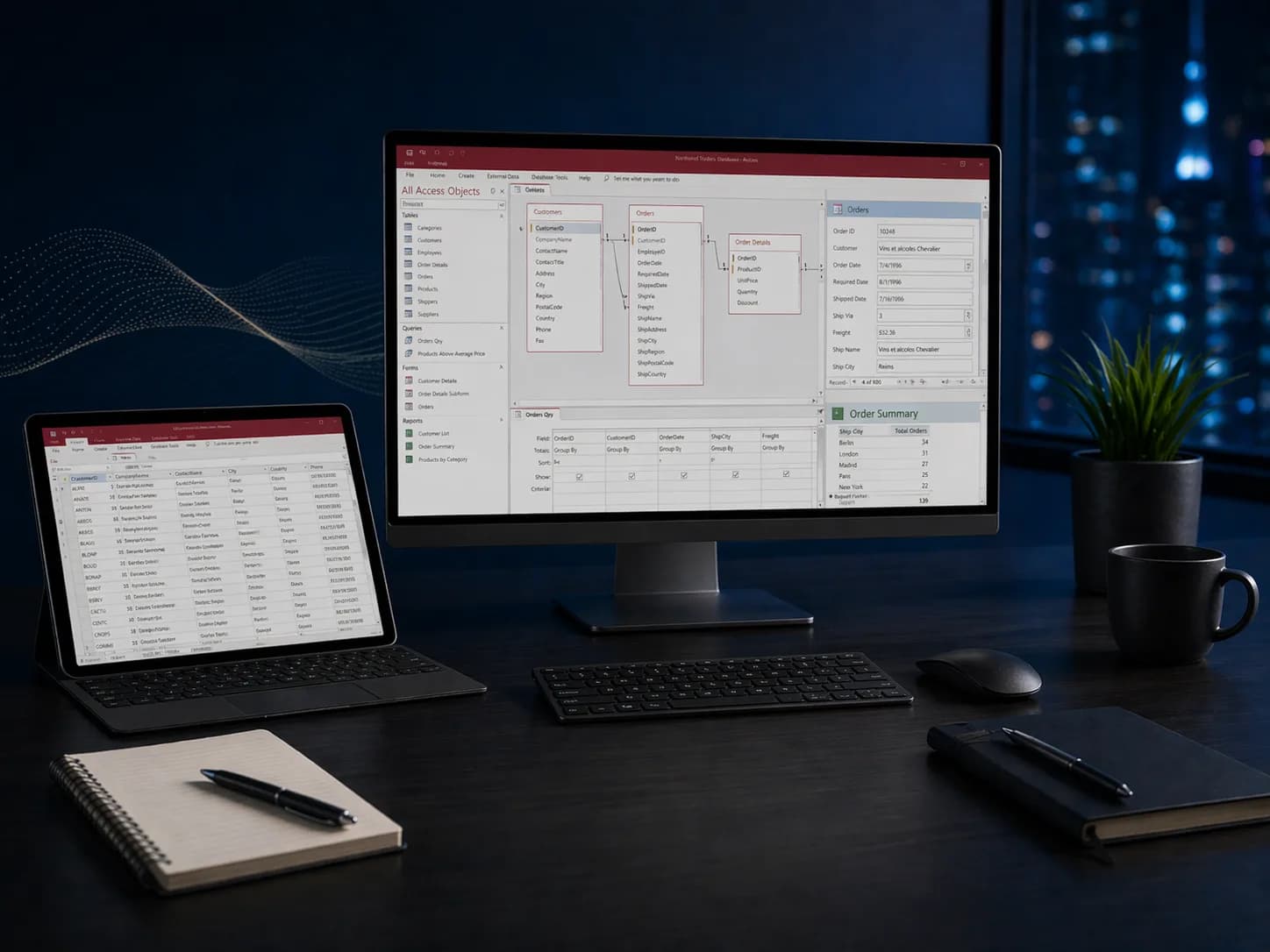
Design relational databases that replace sprawling spreadsheets. Learn tables, queries, forms, reports, and VBA automation to build custom business applications.
03
Levels
10
Modules
1:1
Live
Enroll NowLive virtual sessions or on-site training
Microsoft Access
Microsoft Access3 Levels • Live + On-site • Certificate of CompletionEST. 2025 — GROWWM
Topics / 01
What you will learn.
A snapshot of every topic covered across all three levels. Detailed daily curriculum is in the next section.
10Core topics
01Database Design
02Tables & Relationships
03Select Queries
04Action Queries
05Forms & Subforms
06Reports & Grouping
07Macros & Automation
08Data Import/Export
09SQL View Basics
10Backup & Maintenance
Curriculum / 02
Three levels.
One path.
Start where you are. Each level builds on the last — from your first formula to enterprise-grade automation.
Build a solid foundation with core concepts and essential skills.
Modules
02 / TOTAL01
Day 1: Database Foundations
- Understanding relational databases vs. spreadsheets
- Creating tables with appropriate field types and properties
- Setting primary keys, indexes, and field validation rules
- Establishing table relationships: one-to-many and many-to-many
- Referential integrity and cascade options
- Importing data from Excel, CSV, and text files
02
Day 2: Queries, Forms, and Reports
- Select queries with criteria, sorting, and calculated fields
- Action queries: update, append, delete, and make-table
- Building user-friendly data entry forms
- Form controls: combo boxes, list boxes, and buttons
- Designing grouped and summarized reports
- Printing, exporting to PDF, and sharing database files
After this level
- 01Design normalized database tables with proper relationships
- 02Write select and action queries to manage data
- 03Build data entry forms and formatted reports
- 04Import external data and export results for sharing
Audience / 03
Built for doers.
Prerequisites
Basic computer literacy. Familiarity with Excel is helpful.
- 01Data managers
- 02Small business owners
- 03Teams replacing spreadsheet-based workflows
Continue / 06