02COURSE / MICROSOFT OFFICE SUITE
Microsoft Office Suite
Microsoft Word
Master Microsoft Word from document creation to advanced formatting, mail merge, and collaboration tools. Learn to produce professional reports, proposals, and templates that meet enterprise standards.
03
Levels
10
Modules
1:1
Live
Enroll NowLive virtual sessions or on-site training
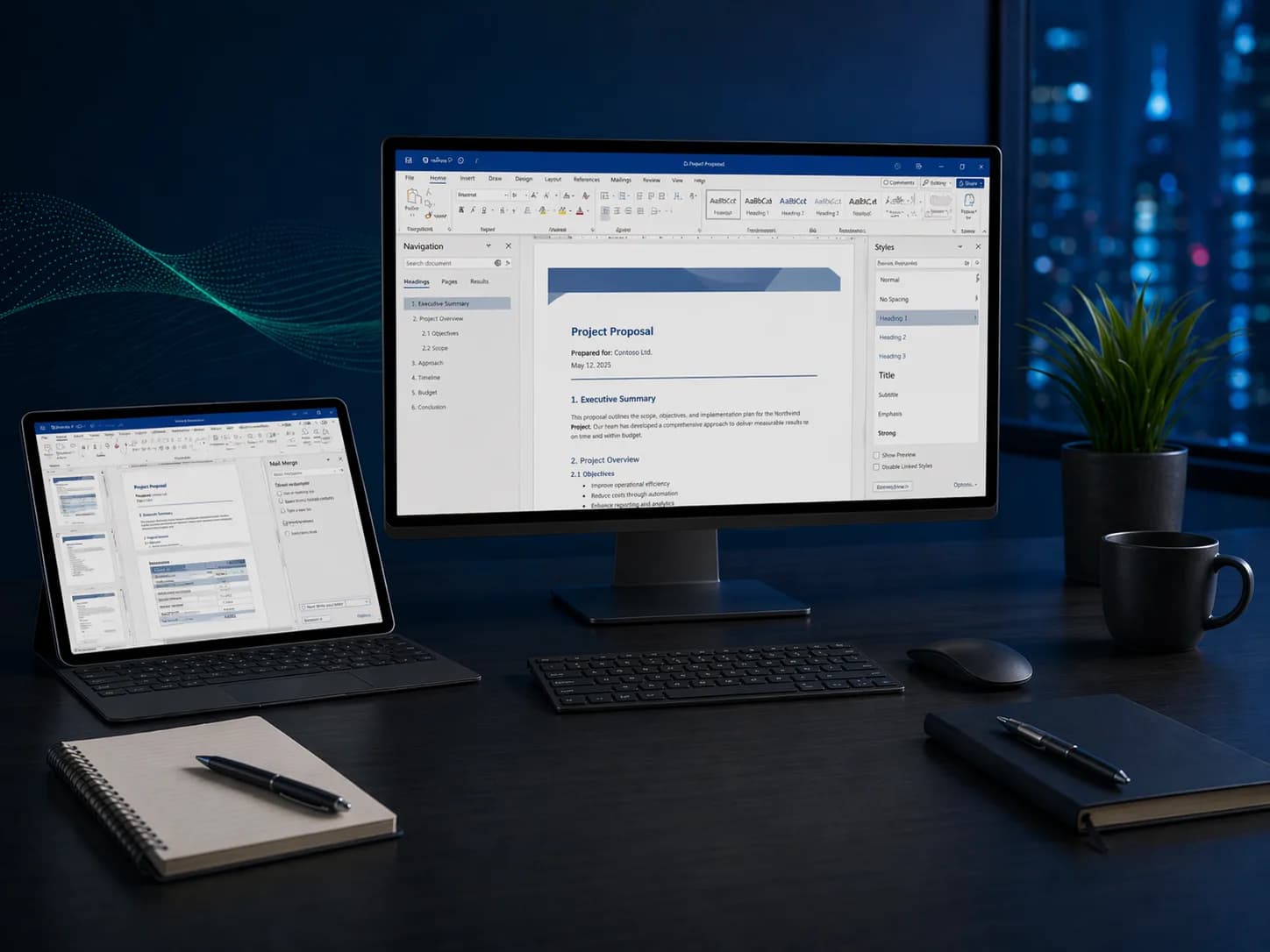
Microsoft Word
Microsoft Word3 Levels • Live + On-site • Certificate of CompletionEST. 2025 — GROWWM
Topics / 01
What you will learn.
A snapshot of every topic covered across all three levels. Detailed daily curriculum is in the next section.
10Core topics
01Formatting & Styles
02Templates & Themes
03Mail Merge
04Track Changes & Reviewing
05Tables of Contents
06Sections & Headers
07Document Collaboration
08Forms & Fillable Fields
09Long-Document Tools
10Accessibility & Export
Curriculum / 02
Three levels.
One path.
Start where you are. Each level builds on the last — from your first formula to enterprise-grade automation.
Build a solid foundation with core concepts and essential skills.
Modules
02 / TOTAL01
Day 1: Document Creation Essentials
- Navigating the Word interface, Ribbon, and Backstage view
- Creating, saving, and organizing documents
- Font formatting, paragraph spacing, and alignment
- Page layout: margins, orientation, columns, and breaks
- Headers, footers, page numbering, and watermarks
- Inserting and formatting images, shapes, and text boxes
02
Day 2: Tables, Lists, and Collaboration Basics
- Building and formatting tables for structured data
- Bulleted and numbered lists with custom styles
- Using Find & Replace for efficient editing
- Spelling, grammar, and readability tools
- Track Changes basics: accepting and rejecting edits
- Saving as PDF, printing, and sharing documents
After this level
- 01Create polished documents with professional formatting and layouts
- 02Insert and format tables, images, and lists for clear communication
- 03Use basic collaboration and review tools with confidence
- 04Prepare documents for printing, PDF export, and sharing
Audience / 03
Built for doers.
Prerequisites
Basic computer literacy.
- 01Administrative professionals
- 02Report writers
- 03Anyone creating business documents
Continue / 06