03COURSE / MICROSOFT OFFICE SUITE
Microsoft Office Suite
Microsoft PowerPoint
Design slide decks that hold a room's attention. Learn visual storytelling, animations, data visualization, and delivery techniques that turn presentations into persuasive narratives.
03
Levels
10
Modules
1:1
Live
Enroll NowLive virtual sessions or on-site training
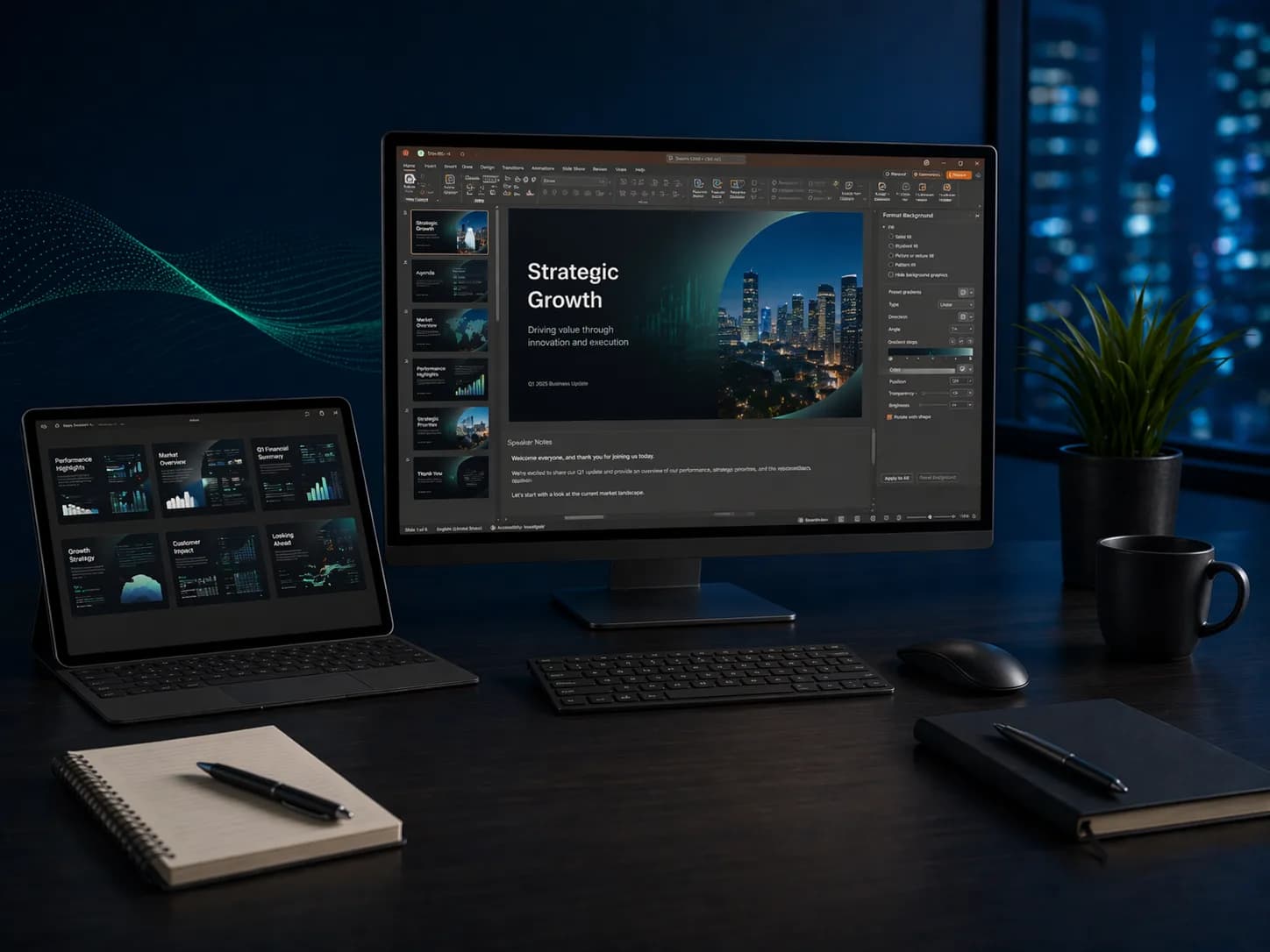
Microsoft PowerPoint
Microsoft PowerPoint3 Levels • Live + On-site • Certificate of CompletionEST. 2025 — GROWWM
Topics / 01
What you will learn.
A snapshot of every topic covered across all three levels. Detailed daily curriculum is in the next section.
10Core topics
01Slide Design & Layout
02Master Slides & Themes
03Animations & Transitions
04Data Visuals & Charts
05SmartArt & Diagrams
06Interactive Elements
07Presenter View & Delivery
08Accessibility & Notes
09Export & Sharing
10Brand Templates
Curriculum / 02
Three levels.
One path.
Start where you are. Each level builds on the last — from your first formula to enterprise-grade automation.
Build a solid foundation with core concepts and essential skills.
Modules
02 / TOTAL01
Day 1: Slide Design Foundations
- Navigating the PowerPoint interface and view modes
- Creating presentations from blank and from templates
- Choosing and customizing themes, color palettes, and fonts
- Text formatting: titles, body text, and text hierarchy
- Inserting images, icons, and shapes with professional alignment
- Slide layouts, duplicating slides, and slide reuse
02
Day 2: Visuals, Transitions, and Presenting
- Building and formatting tables and basic charts on slides
- SmartArt for process flows, hierarchies, and lists
- Adding transitions between slides for smooth flow
- Entrance, emphasis, and exit animations
- Speaker notes and Presenter View for delivery
- Saving as PDF, video export, and printing handouts
After this level
- 01Build visually consistent slide decks using themes and layouts
- 02Add charts, SmartArt, and images with professional alignment
- 03Apply transitions and animations for polished delivery
- 04Present confidently using Speaker Notes and Presenter View
Audience / 03
Built for doers.
Prerequisites
Basic computer literacy.
- 01Managers and team leads
- 02Sales and marketing professionals
- 03Anyone presenting to stakeholders
Continue / 06