05COURSE / MICROSOFT OFFICE SUITE
Microsoft Office Suite
Microsoft SharePoint
Stand up team sites, organize document libraries, and set up permissions so the right people see the right content. Build intranet solutions that streamline collaboration across your organization.
03
Levels
10
Modules
1:1
Live
Enroll NowLive virtual sessions or on-site training
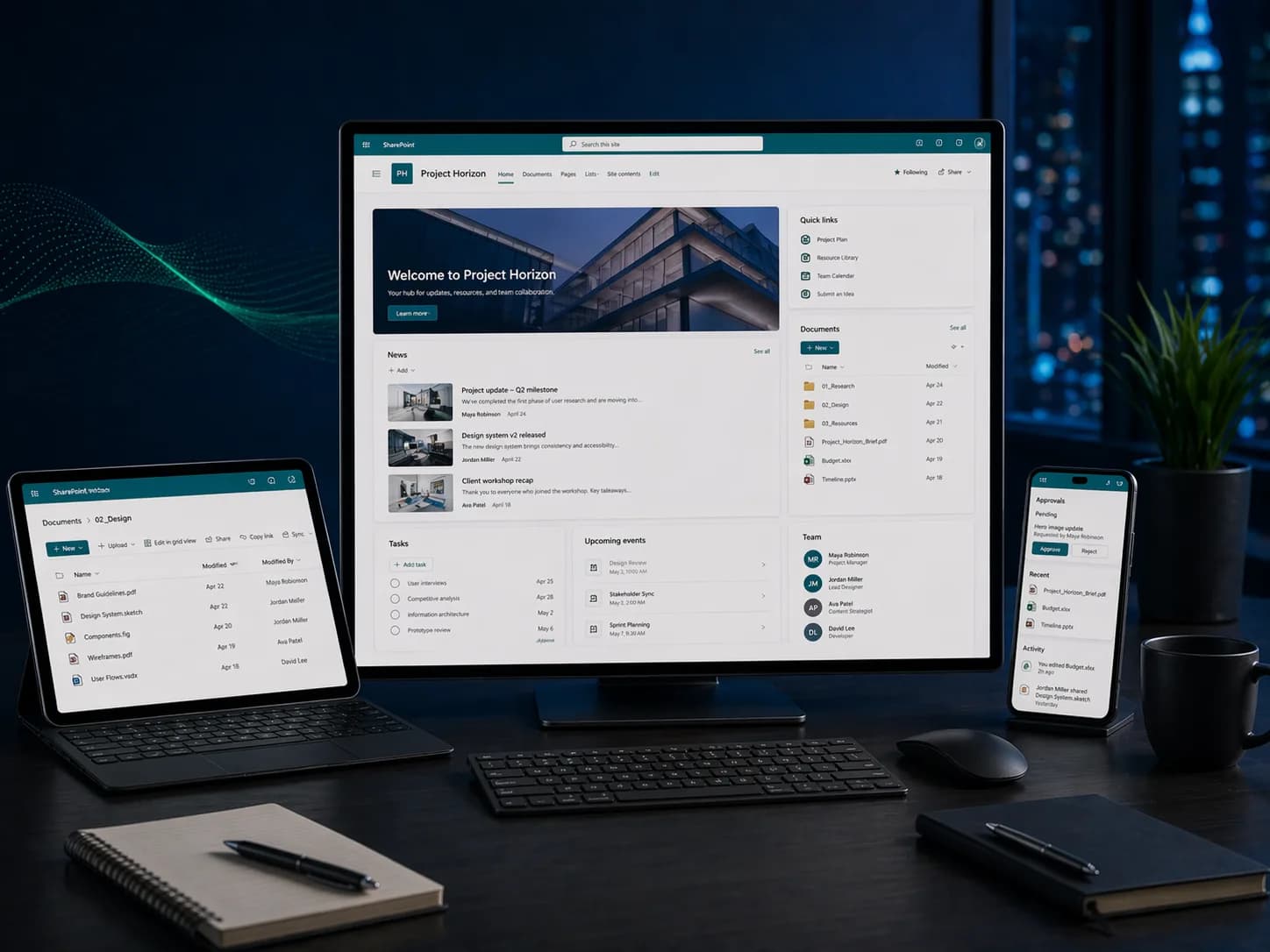
Microsoft SharePoint
Microsoft SharePoint3 Levels • Live + On-site • Certificate of CompletionEST. 2025 — GROWWM
Topics / 01
What you will learn.
A snapshot of every topic covered across all three levels. Detailed daily curriculum is in the next section.
10Core topics
01Team & Communication Sites
02Document Libraries
03Permissions & Sharing
04Lists & Custom Columns
05Content Types & Metadata
06Pages & Web Parts
07Workflows & Automation
08Hub Sites
09Search & Findability
10Teams & OneDrive Integration
Curriculum / 02
Three levels.
One path.
Start where you are. Each level builds on the last — from your first formula to enterprise-grade automation.
Build a solid foundation with core concepts and essential skills.
Modules
02 / TOTAL01
Day 1: Sites, Libraries, and Navigation
- Understanding SharePoint Online architecture and terminology
- Creating team sites and communication sites
- Building and organizing document libraries and folders
- Uploading, versioning, and co-authoring documents
- Customizing site navigation, logos, and themes
- Following sites and using the SharePoint start page
02
Day 2: Lists, Permissions, and Collaboration
- Creating and configuring SharePoint lists for tracking data
- Custom columns, views, and list formatting
- Managing site permissions: owners, members, and visitors
- Sharing files and folders with internal and external users
- Integrating with Teams, OneDrive, and Outlook
- Syncing libraries to your desktop with OneDrive
- Recycle Bin and version history for recovery
After this level
- 01Create and configure SharePoint team and communication sites
- 02Organize documents with libraries, versioning, and metadata
- 03Set up permissions and sharing for secure collaboration
- 04Integrate SharePoint with Teams, OneDrive, and Outlook
Audience / 03
Built for doers.
Prerequisites
Basic Microsoft 365 experience.
- 01IT administrators
- 02Team leads and project managers
- 03Any organization using Microsoft 365
Continue / 06