06COURSE / MICROSOFT OFFICE SUITE
Microsoft Office Suite
Microsoft Outlook
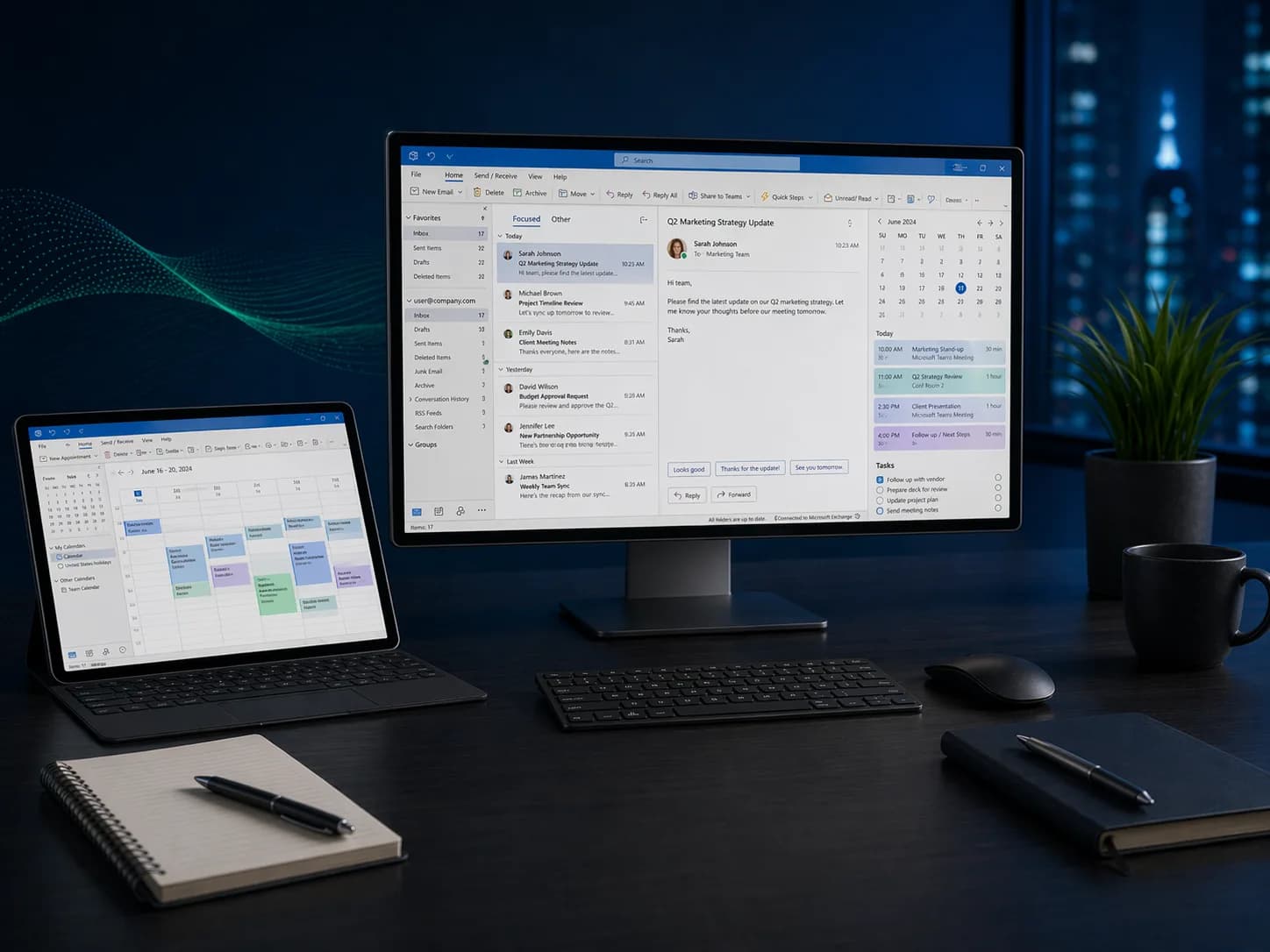
Take control of your inbox and calendar with Microsoft Outlook. From email management and scheduling to automation rules and collaboration, master the tools that keep professionals productive every day.
03
Levels
10
Modules
1:1
Live
Enroll NowLive virtual sessions or on-site training
Microsoft Outlook
Microsoft Outlook3 Levels • Live + On-site • Certificate of CompletionEST. 2025 — GROWWM
Topics / 01
What you will learn.
A snapshot of every topic covered across all three levels. Detailed daily curriculum is in the next section.
10Core topics
01Inbox Triage
02Rules & Quick Steps
03Calendar & Scheduling
04Shared Calendars
05Tasks & To-Do
06Categories & Search
07Delegation
08Out-of-Office & Templates
09Contacts & Groups
10Mobile & Sync
Curriculum / 02
Three levels.
One path.
Start where you are. Each level builds on the last — from your first formula to enterprise-grade automation.
Build a solid foundation with core concepts and essential skills.
Modules
02 / TOTAL01
Day 1: Email Mastery and Organization
- Navigating the Outlook interface: mail, calendar, people, tasks
- Composing, formatting, and sending professional emails
- Attachments: adding, previewing, and saving files
- Organizing with folders, categories, and flags
- Search and filter techniques for finding messages fast
- Setting up email signatures for personal and professional use
02
Day 2: Calendar, Contacts, and Tasks
- Creating appointments, meetings, and all-day events
- Scheduling meetings with availability and room booking
- Managing contacts and contact groups (distribution lists)
- Creating and tracking tasks with due dates and reminders
- Setting up Out of Office automatic replies
- Outlook on the web and mobile app basics
- Keyboard shortcuts for everyday efficiency
After this level
- 01Manage email efficiently with folders, categories, and search
- 02Schedule meetings and manage calendars with confidence
- 03Organize contacts and distribution lists for quick communication
- 04Set up signatures, automatic replies, and task tracking
Audience / 03
Built for doers.
Prerequisites
Basic computer literacy.
- 01Office professionals and executive assistants
- 02Managers coordinating teams and meetings
- 03Anyone overwhelmed by email volume
Continue / 06